<5min read
After fumbling our way through snake, bejewelled or space invaders, many game devs attempt a platformer. If you didn’t try writing your own movement code or your first attempt was with the in-built physics of your chosen engine, getting movement to feel right can be a little perplexing, especially when we’re just arbitrarily applying forces to rigid bodies.
Although there are multiple ways to approach this (e.g. kinematics or conceptual abstractions), today we’ll look at a force (dynamics) based approach that many devs start with. In that, we’re going to specifically focus on implementing a consistent jump height and length as opposed to mechanics more related to game feel (e.g. input buffers and coyote time).
Implementation
For this jump we’ll be applying a force to the character rigid body at its centre of mass. A 2d jump can be broken up into two independent forces:
- Its vertical component
fV - Its horizontal component
fXH
In 3d, there are two horizontal components (for the x and z axis respectively, if y is up) resolved in the exact same way as the the 2d horizontal/length component.
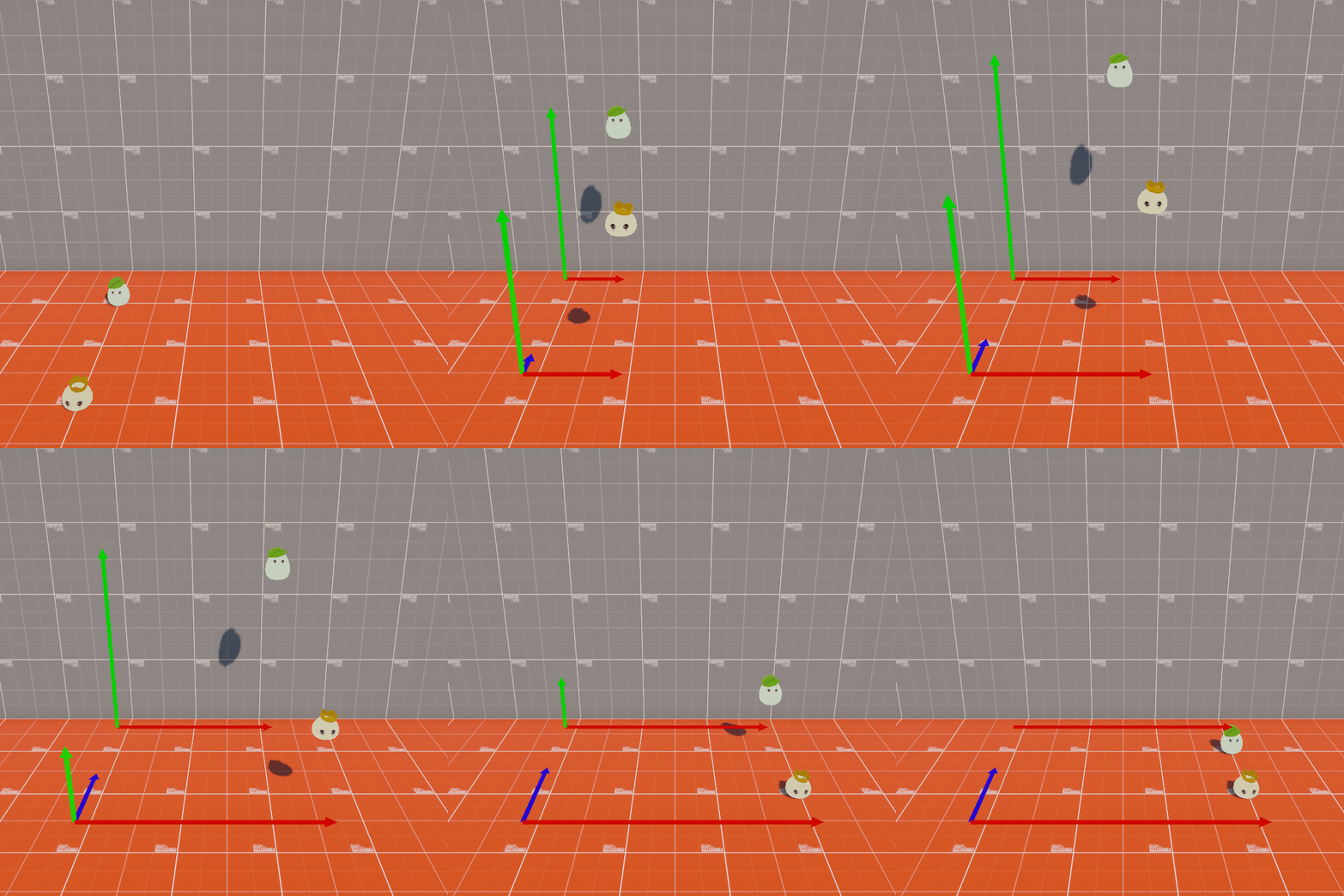
For this jump there are a few known properties that are used as inputs
- jumpHeight – User defined.
- jumpXLength – User defind.
- Vertical velocity at the peak of the jump (v) – Zero since the character is transitioning from jumping up to falling back down.
- gravity – Physics engine default that that can be user defined.
- mass – Physics engine default that that can be user defined.
We can’t yet resolve the horizontal X force (fXH) as we need the jumpDuration for that, which in turn requires the initial vertical velocity (u), so let’s make a function that figures that out.
private float JumpYVelocity(float jumpHeight)
{
	/* Resolve using the 3rd equation of motion
	   v^2 = u^2 + 2a(s - s0)
	   u = sqrt(0 - 2a(s - s0))
	   u = sqrt(-2 * gravity * jumpHeight)
	*/
	return = Mathf.Sqrt(-2 * Physics.gravity.y * resolvedHeight);
}
Next we’ll make a function that figures out the duration of the jump by resolving the time taken from the start of the jump to its peak (halfTime) and multiplying that by 2 for the full time.
private float JumpTime(float jumpInitialVerticalVelocity)
{
	/* Resolve using the 1st equation of motion:
	   v = u + at
	   t = (0 - u) / a
	*/

	// Resolve the half time
	float halfTime = - jumpStartVeclocity / gravity;

	// Return the full time
	return halfTime * 2;
}
From this we can figure out the horizontal X velocity.
private float JumpHorzVelocity(float jumpDuration, float jumpLength)
{
	/* Resolve using average velocity
	   average velocity = distance / time
	*/
	return jumpLength/ jumpDuration;
}
And finally we can convert these velocities into forces.
private float ForceFromVelocity(float mass, float velocity)
{
	/* Resolve using the formula for momentum (equivalent of our impulse force)
	   p = mv
	*/
	return mass * velocity
}
With these we can now figure out and apply our jump forces by just passing in the desired height and leght of our jump.
private void PleaseMakeMeJump(Rigidbody rigidBody, float jumpHeight, float jumpLength)
{
	// Resolve the components of our forceVector
	float fV = ForceFromVelocity(
		rigidbody.mass,
		JumpYVelocity(jumpHeight)
	);
	float jumpTime = JumpTime(resolvedJumpYInitialVelocity);
	float fXH = ForceFromVelocity(
		rigidbody.mass,
		JumpHorzVelocity(jumpTime , jumpLength)
	);
	float fZH = 0; // This would be our additional force in 3d using JumpHorzVelocity(jumpTime, jumpZLength)

	// Resolve our forceVector
	Vector3 forceVector = new Vector3(
		fV,
		fXH,
		fZH);

	/* This example is written in Unity, however if you rewrote for other game/phy engines you might use:
	   - Unreal: AddImpulse(forceVector , boneName, bVelocityChange),
			where boneName is the name of body impulse is applied to and VelocityChange is true
	   - Godot: apply_central_impulse(forceVector ),
	   - Box2D: ApplyLinearImpulse(forceVector , bodyPointVector),
			where bodyPointVector is centre of mass location
	*/

	// Apply our impulse force to our rigidbody
	rigidbody.ApplyImpulseForce(forceVector, ForceMode.Impulse);
}
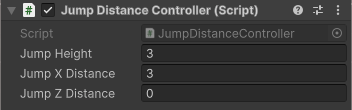
Set our user defined values.

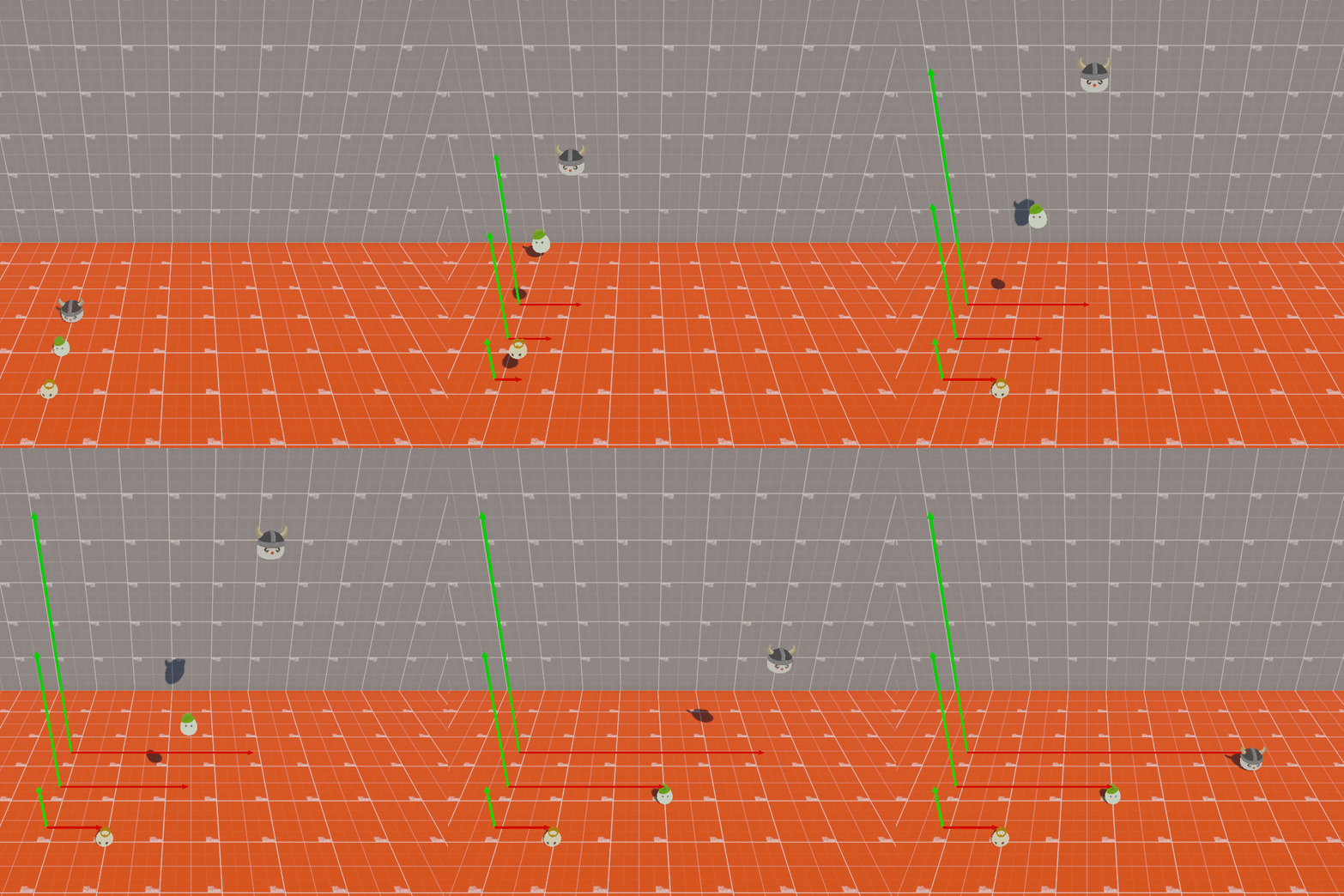
And happy jumping!
You can find the Unity code for this here.
 Idlemouse